

 English
 Deutsch
English ✓
Content › Templates › Create Template › Create an initial template › Block: Content
Content-Block: Button

“Button” button
With the “Button” content block you can place buttons in the template.
You can design the buttons as you wish, e.g. in colour, shape and size.
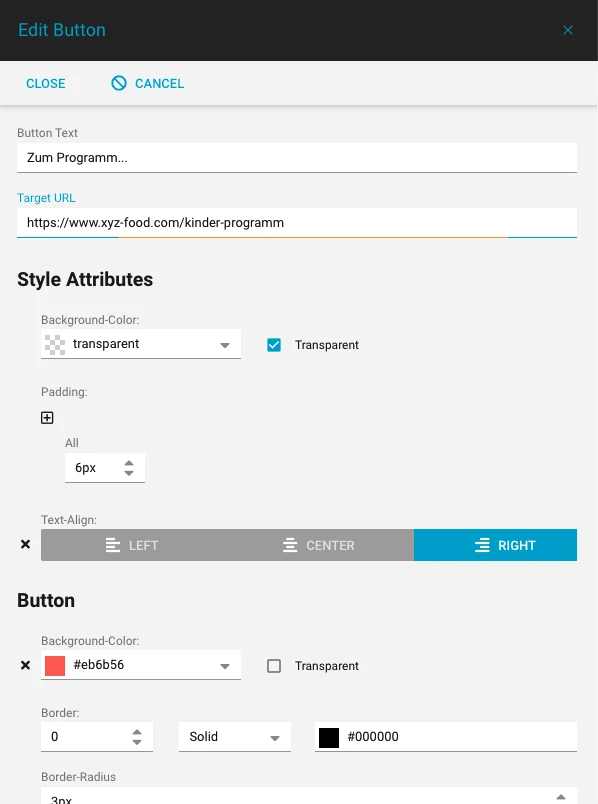
Editing the button field
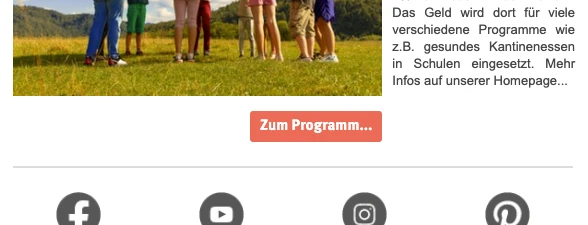
Example of an embedded button
Note the following fields:
- Button Text: Name of the button that is displayed on the button.
- Target URL: Entry of the link target to the desired web page.




