

 English
 Deutsch
English ✓
Administration
Trigger/Events
Under “Administration › Trigger/Events” you manage the events the MAS can respond to, e.g. to start a workflow. For each event, the list shows the name, the description and whether it is predefined by the system (“System defined”).
The events predefined by the system include the following:
- Channel Sent, Opened, Clicked, Bounced, Spammed: sending, opening, click, bounce and spam complaint for a message
- Channel Auto Open (Apple ITP): automatic opening by the “Intelligent Tracking Prevention” function
- Contact Created, Updated, Deleted, Opt Out: creation, change and deletion of a contact and unsubscription from a channel
- Opt In Requested, Double Opt In Confirmation, Opt In By CDP Created: sign-up, confirmation via double opt-in and manually set opt-in
- Form Submitted: a sign-up form has been submitted.
Custom events, e.g. “Coupon Einlösung”, are created via “Create Event”. Events whose name begins with “Legacy API Event” were taken over from earlier workflow API triggers.
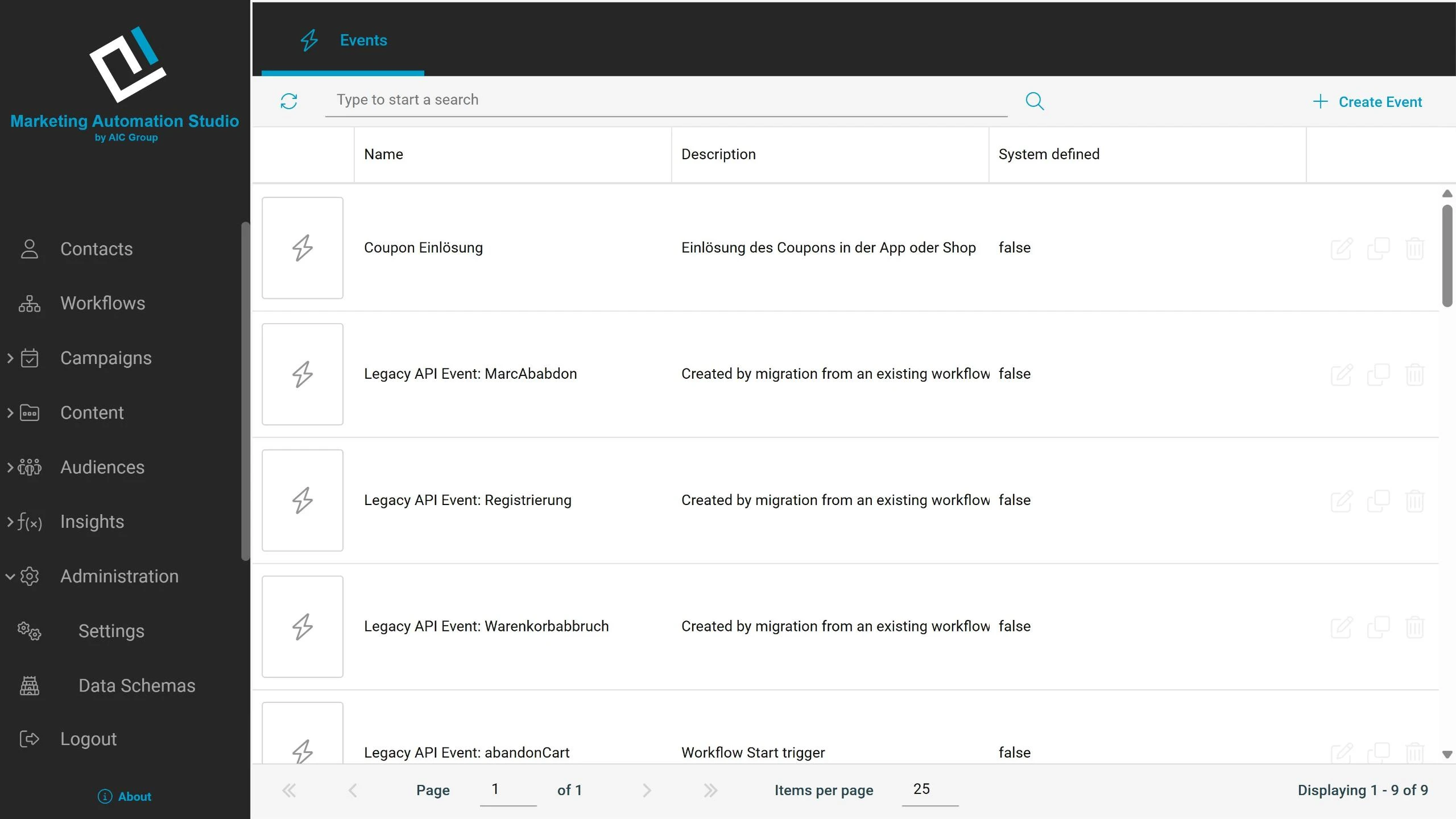
List of events under “Trigger/Events”




