

 English
 Deutsch
English ✓
Content › Templates › Create Template › Create an initial template › Block: Content
Content-Block: Divider
The “Divider” content block inserts a horizontal dividing line into the template. This lets you visually separate sections of an email.
Like the other content blocks, the block is dragged by drag & drop from the “Standard” tab (“Content” area) into a layout block.
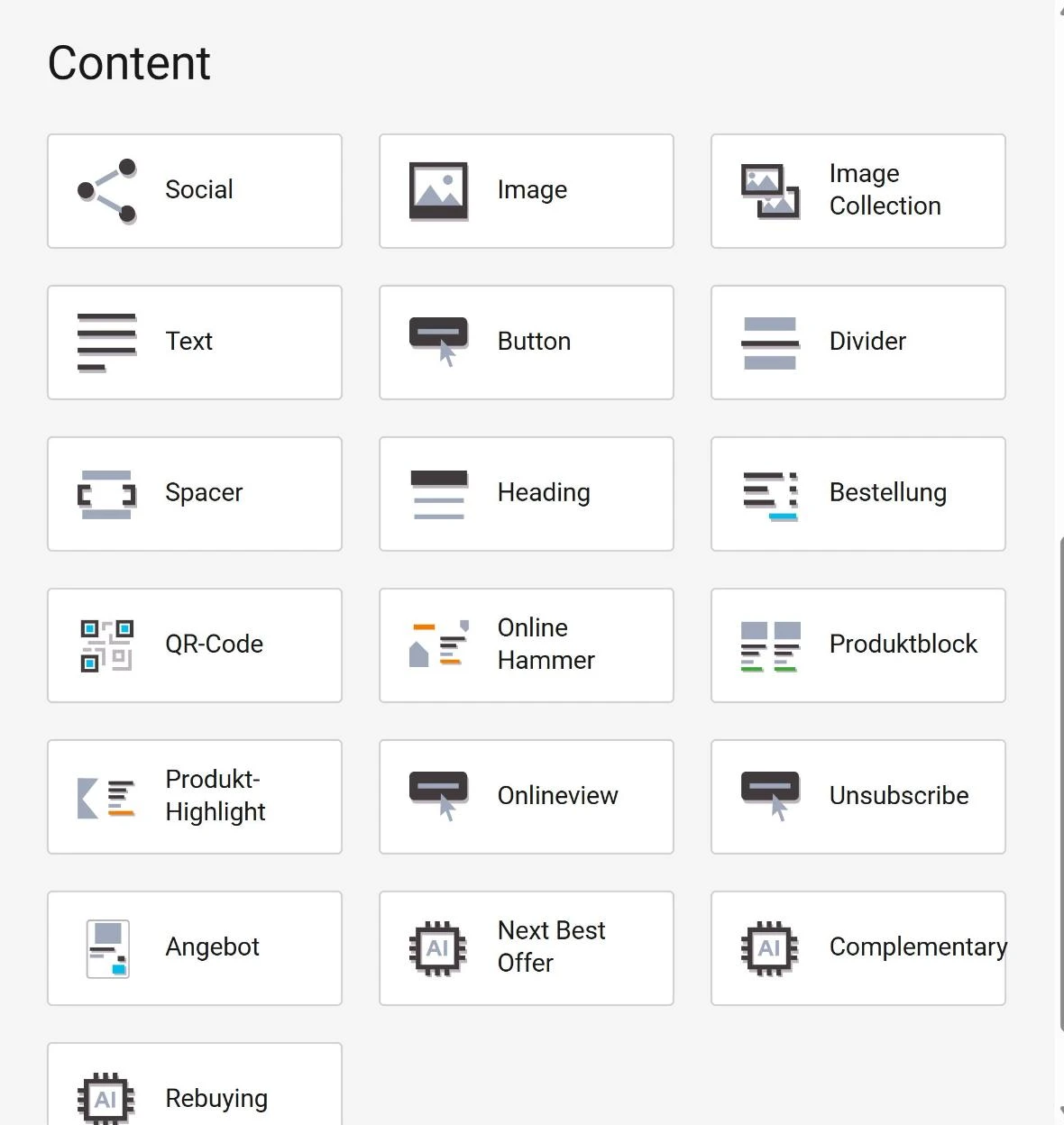
“Divider” content block in the “Standard” tab
Note
You can define the appearance of the dividing line for the whole template in the “Edit Design” tab under “Content” in the “Divider” area (see “Tabs in the editor”).




