

 English
 Deutsch
English ✓
Content › Templates › Create Template › Create an initial template
Block: Custom
In the MAS you can create predefined, customer-specific layout/content blocks. Background: you can build an element and use it again and again. You can simply save blocks you have already created and use them for all further templates (see the description further down in this article).

Example of custom blocks
Editing view of a custom block
A recurring block with a special font, colour and structure. This could be, for example, an imprint, a header or an offer block.
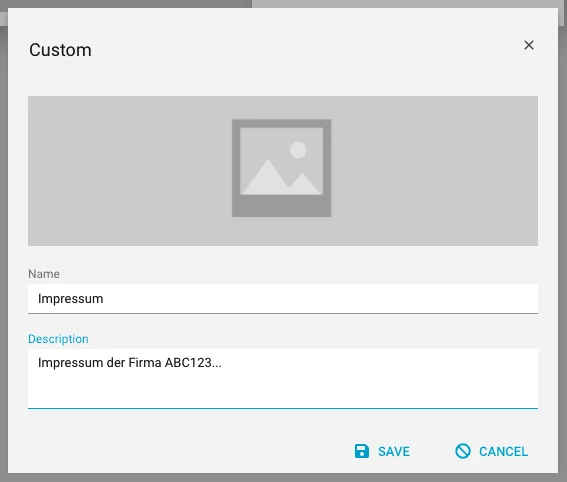
To save a prefabricated layout or content block, click the floppy disk icon that appears when the mouse pointer is to the right or left of the created block (layout area). A window appears in which you enter a name and a description (“Description” - optional).

Editing menu of the layout block
Mandatory entries (“required”) are marked by the MAS with a red exclamation mark. This indicates that an entry is mandatory. The save function is deactivated until a name has been entered.

Saving a custom content block
The saved content blocks can be found at the bottom right in the list under the heading “Custom”. You can also edit the name and description of the saved blocks afterwards by clicking the pencil icon and making your changes there. You can delete the block by clicking the bin icon.




