

 English
 Deutsch
English ✓
MAS - Audiences › Target Groups
Target Groups
Under “Audiences › Target Groups” you define target groups (Target Groups). They are used when sending mailings (“Select a targetgroup to contact” under “Audience & Schedule”) and in workflows, for example with the trigger “Scheduled Audience”.
The conditions (rules) used in templates are not listed here; you will find them under “Audiences › Conditions” (see “Conditions”).
The overview shows the target groups with these columns:
- Name: name of the target group.
- Rule: the rule in plain text, e.g. “Customer Tags HAS ANY OF zubehoer_offen”.
- Count: number of contacts at the last count.
- Counted at: time of the last count.
The icons at the end of each row let you edit, copy or delete a target group. Use the search field to search for target groups.
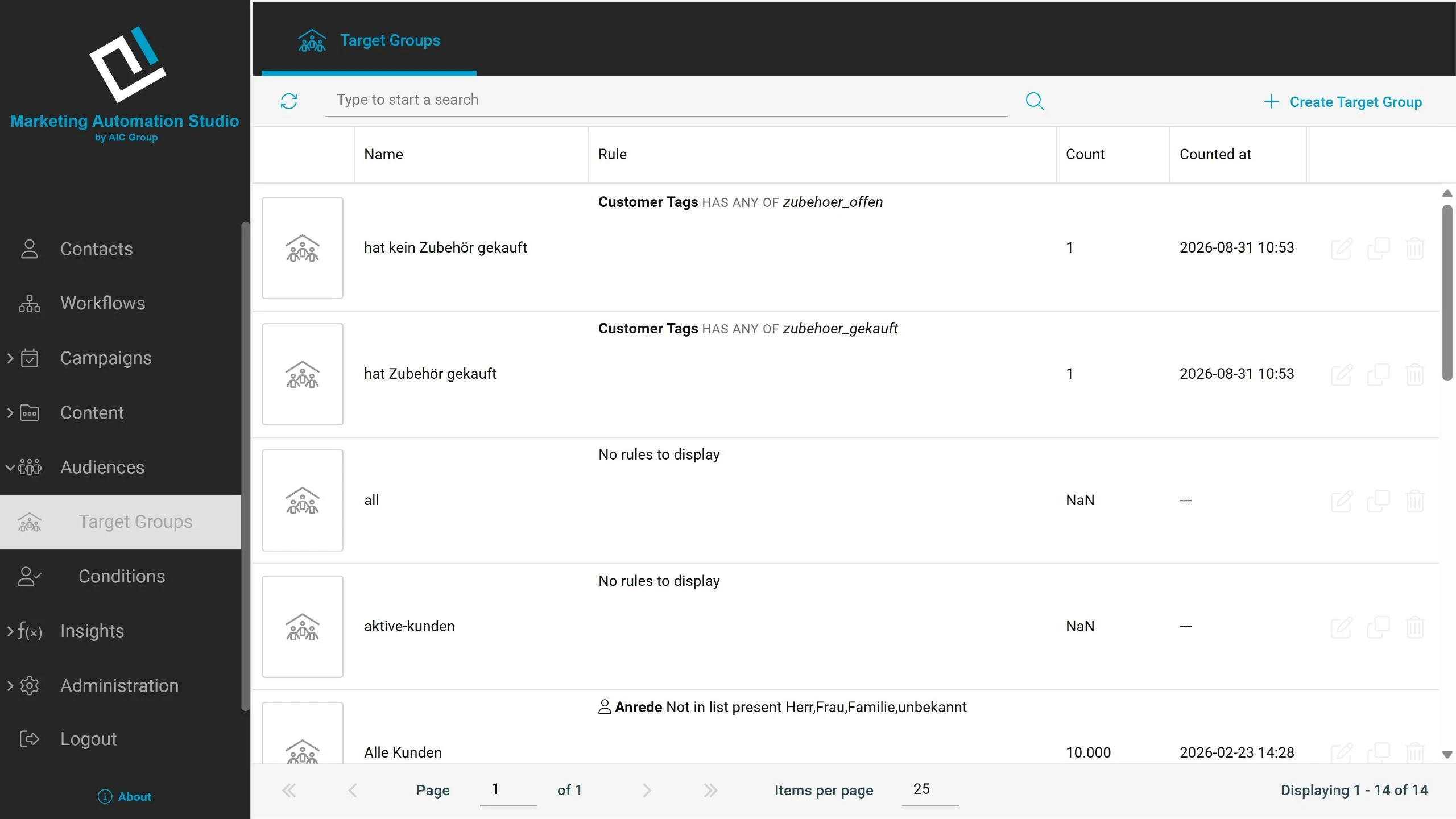
Overview of the target groups
Topics in this chapter
Create a new target group
Create, edit, copy or delete a target group.
Frequently asked questions
What is the difference between a target group and a condition?
A target group defines which contacts receive a mailing or are enrolled in a workflow. A condition, by contrast, controls within a template which content blocks a recipient sees; conditions are managed under “Audiences › Conditions”. Read more ›
How do I create a new target group?
Under “Audiences › Target Groups”, click “Create Target Group” at the top right and combine the rules from field, operator and value under “Query Definition”. “Save” saves the target group. Read more ›
How do I find out how many contacts a target group contains?
Click “Calculate” in the editor; “Current Count” under “Audience Info” then shows the number of contacts. In the overview, the “Count” column shows the result of the last count and “Counted at” its time. Read more ›
Can I use an existing target group as a building block for a new one?
Yes. Via “+ Add”, choose the rule type “REFERENCE TARGETGROUP” to include an existing target group. Read more ›




