

 English
 Deutsch
English ✓
Start, structure and login/logout
Log out
To exit the MAS, click “Logout” at the bottom of the left menu. You are logged out immediately, without a confirmation prompt; the login page then appears again.
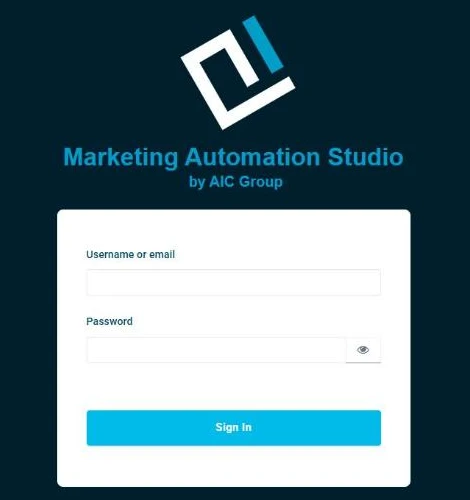
Login page after logging out
Note
You can simply close the browser without going through the logout process by clicking “Logout”. However, to log out properly, you should exit the application via Logout.




