

 English
 Deutsch
English ✓
Start, structure and login/logout › Log in
Forgotten password
If you have forgotten your password, you can reset it yourself:
- Request a reset: on the login page, click “Forgot Password?”, enter your user name or email address under “Username or email” and click “Submit”. “« Back to Login” takes you back to the login page.
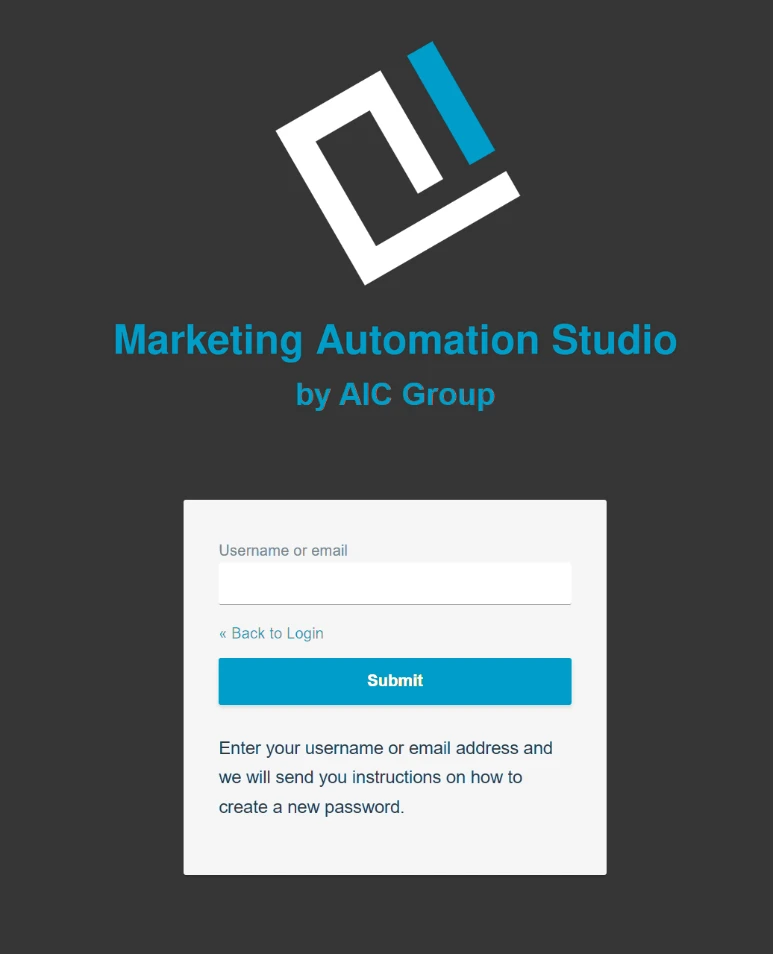
Entering the user name or email address
- Open the email: the MAS sends a “Reset password” email with the link “Link to reset credentials”. The link is only valid for 5 minutes.
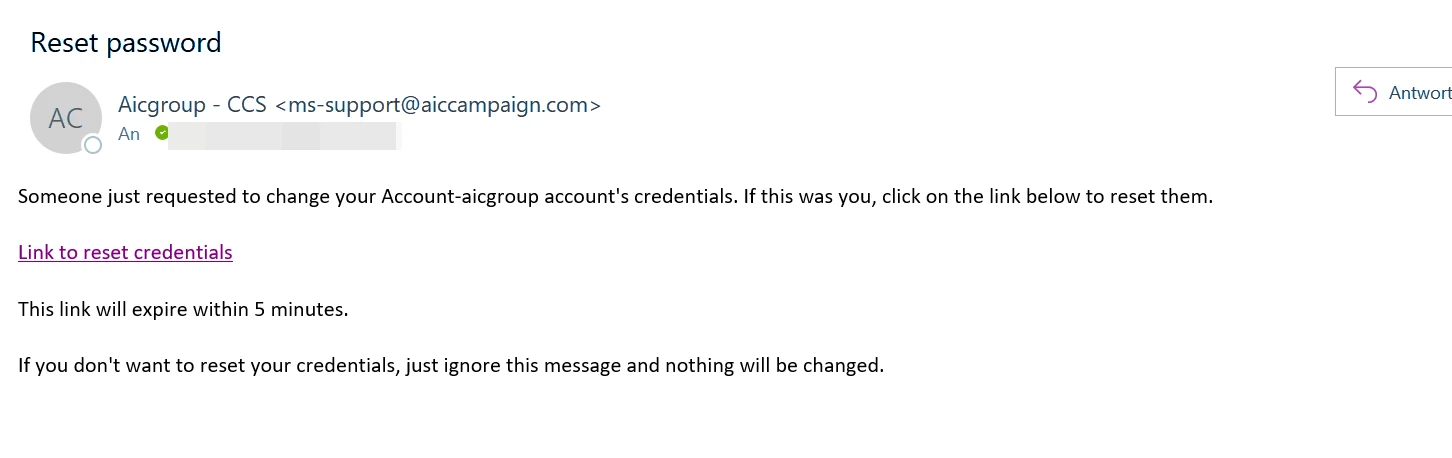
Email with the link to reset the password
- Set a new password: after clicking the link, enter the new password under “New Password”, repeat it under “Confirm password” and save it with “Submit”.
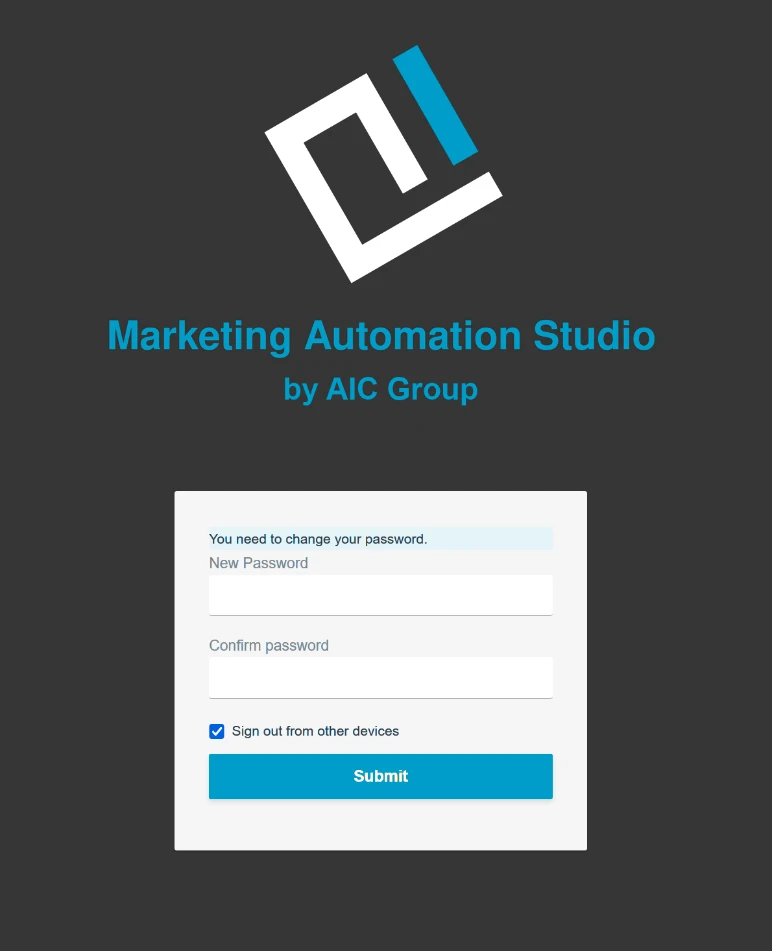
Input fields for the new password with confirmation
The MAS then confirms the change with “Your account has been updated.”
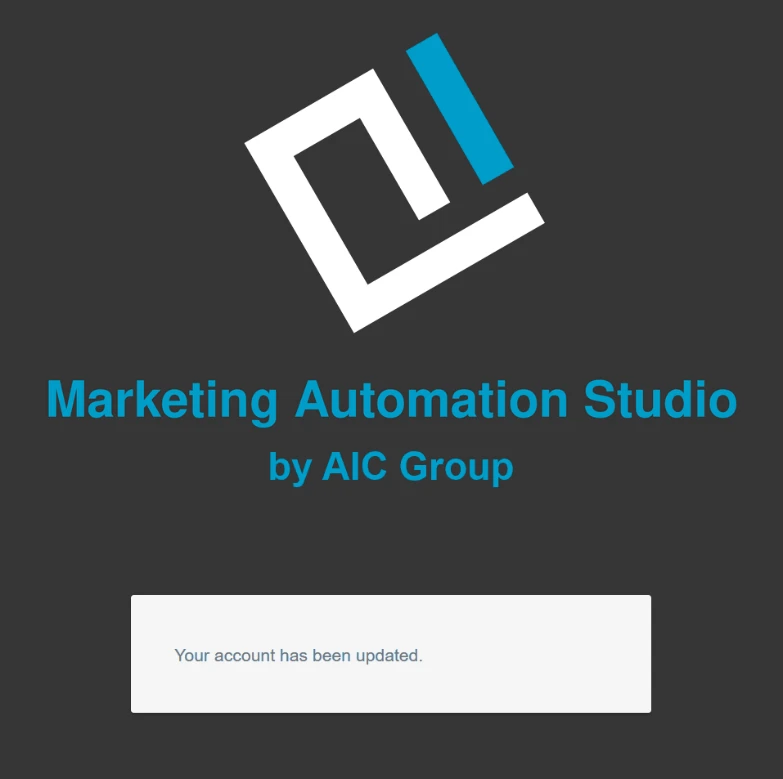
Confirmation of the password change
Note
If you did not request the reset yourself, you can ignore the email; your password then remains unchanged. The “Forgot Password?” function may be deactivated for individual systems, e.g. in test environments. In that case, the link is missing from the login page and your contact person at the AIC Group will help you reset your password.




