

 English
 Deutsch
English ✓
Case studies › Example: create a newsletter
Step 4: Assign the template to a mailing
In the last step, the template is assigned to a previously created mailing under “Campaigns › Emails” (see “Create a new mailing”).

Previously created mailing

Adding the email template afterwards
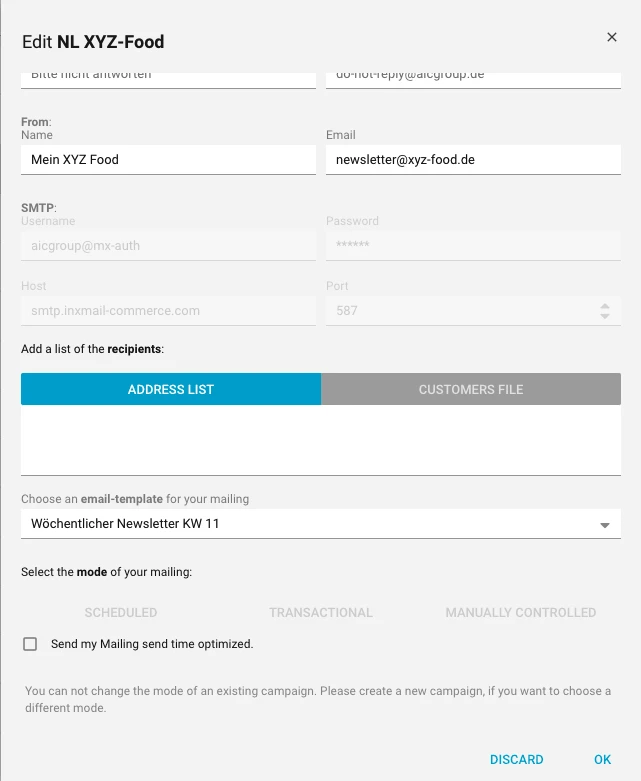
Confirming the finished mailing with “OK”




